What is the SigilVentus SMART EC Fan Controller and what does it do?
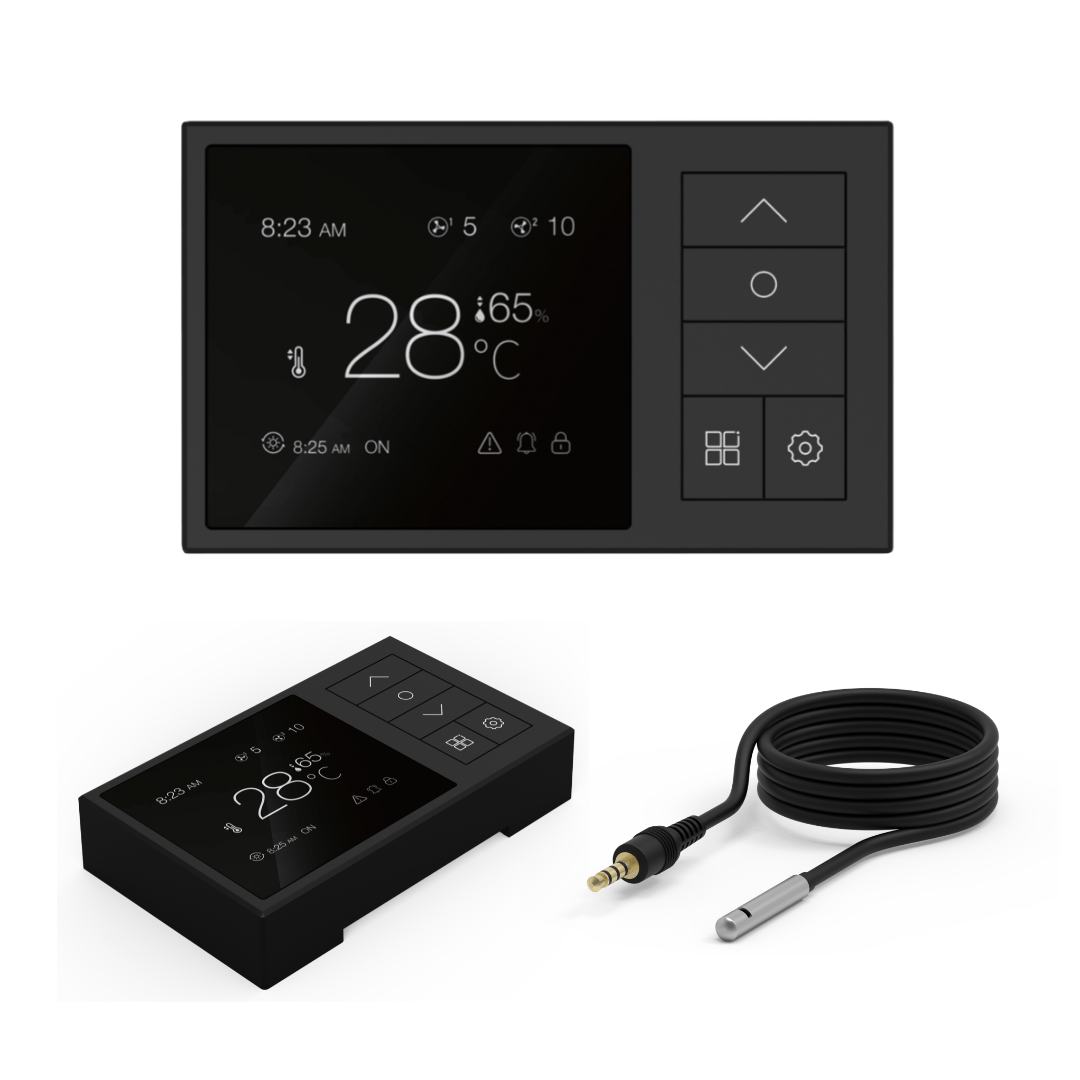
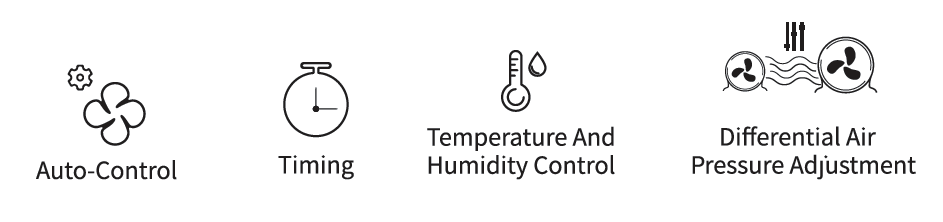
It’s a smart fan controller for compatible EC inline fans. It adjusts fan speed automatically based on your target temperature using a connected thermal probe, helping maintain airflow, temperature, and humidity stability in your space without manual adjustments.
Which fans work with the SigilVentus SMART EC Fan Controller?
It’s designed for SigilVentus EC fans, but may work with other EC fans using the same 3.5mm control jack and 0–10V control. It does not support AC fans or incompatible EC protocols like certain PWM-only models.
What are the different modes on the controller?
It includes Auto Mode (adjusts fan speed based on temperature), Manual Mode (fixed speed), and Alarm Mode (alerts if temperature exceeds your set limit). For most setups, Auto Mode with a baseline speed offers a set-and-forget solution.
How many fans can the SigilVentus controller manage?
It can control up to 4 compatible EC fans simultaneously, including intake and exhaust. Fans follow the same speed settings, so matching fan models is recommended for consistent performance.
Can the controller help reduce fan noise?
Yes — by automatically reducing fan speed when full power isn’t needed, it keeps noise down. Running larger fans at lower speeds, using smooth ducting, and isolating vibration also help significantly.
How many speed levels does the controller offer?
The controller steps between 6 speed levels. This allows for more precise airflow control than a basic high/low switch. Many growers use a moderate baseline level and let Auto Mode adjust up when needed.
Does the controller come with a temperature probe?
Yes — it includes a 5-meter thermal probe for real-time monitoring. Place it near canopy height, away from lights, tent walls, or direct airflow. Bad placement can cause erratic fan behavior or false readings.
Can the controller help manage humidity and odour?
Indirectly, yes. It increases airflow when temps rise, which can also reduce humidity if your intake air is drier. Steady exhaust also helps maintain negative pressure, improving odour control with a carbon filter.
Is the SigilVentus controller easy to install?
It’s plug-and-play with compatible EC fans. Just connect the probe, plug in the fan(s), and select your preferred mode. No separate power supply is needed — it draws power from the connected fan system.
Why isn’t the controller turning on or adjusting fan speed?
Ensure it’s connected to a compatible EC fan with mains power. Check that the 3.5mm lead is fully inserted. If still unresponsive, test with one fan only and confirm the fan supports EC speed control.
What is fan failure detection and how does it work?
The controller monitors fan performance and alerts you if a connected fan stops responding. It can identify which fan is failing — helpful when using multiple fans — so you can fix issues before your environment suffers.
Can I use the controller in a grow tent or home ventilation setup?
Yes. It’s ideal for grow tents, drying spaces, or general room ventilation using compatible EC fans. For grow tents, mount the controller outside the tent to avoid moisture exposure and make adjustments easier.
Will a carbon filter affect how the controller behaves?
Yes — filters add airflow resistance, which may require higher speed levels to maintain target temperatures. The controller will compensate automatically in Auto Mode if fan sizing is appropriate.
Can the controller help prevent heat stress and mould?
It helps by keeping airflow responsive and stable. By avoiding temperature spikes and stagnant air, it lowers the risk of heat stress and mould — assuming your ventilation setup is correctly sized and maintained.
Is the SigilVentus controller better than a basic fan speed dial?
If you want automatic temperature-based control, fan failure alerts, and real-time status via screen, yes — it’s a major upgrade. But if you only need fixed speed, a simple dial may be sufficient.